


Tom Benattar
Show the result of an experiment
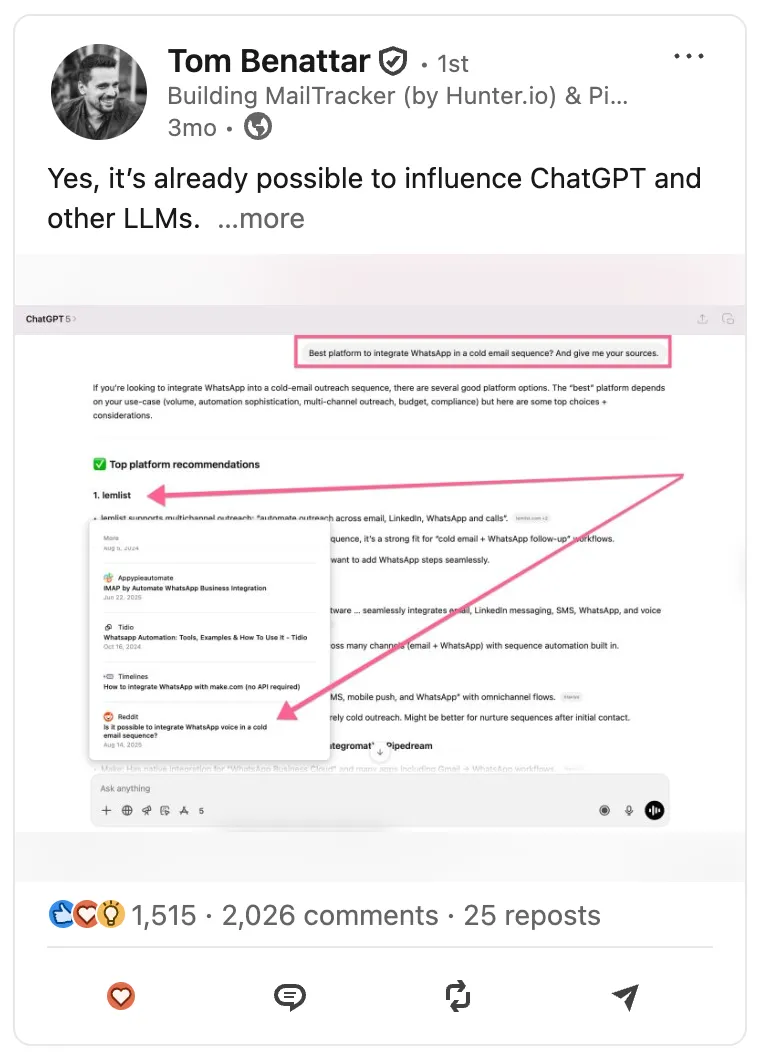
Tom shows how a client appeared more often in AI answers. Start with the observation, explain the change and put a number on the result.
 Enlarge original ↗
Browse eight real LinkedIn posts by goal, see the original examples and adapt an editable template into a draft you can copy.
Tom Benattar
Tom shows how a client appeared more often in AI answers. Start with the observation, explain the change and put a number on the result.
Enlarge original ↗Dr. Carolyn Frost
Carolyn turns stress management into short exercises. Give every slide a moment the reader will recognize and one action to try.
 Enlarge original ↗
Amy Gibson
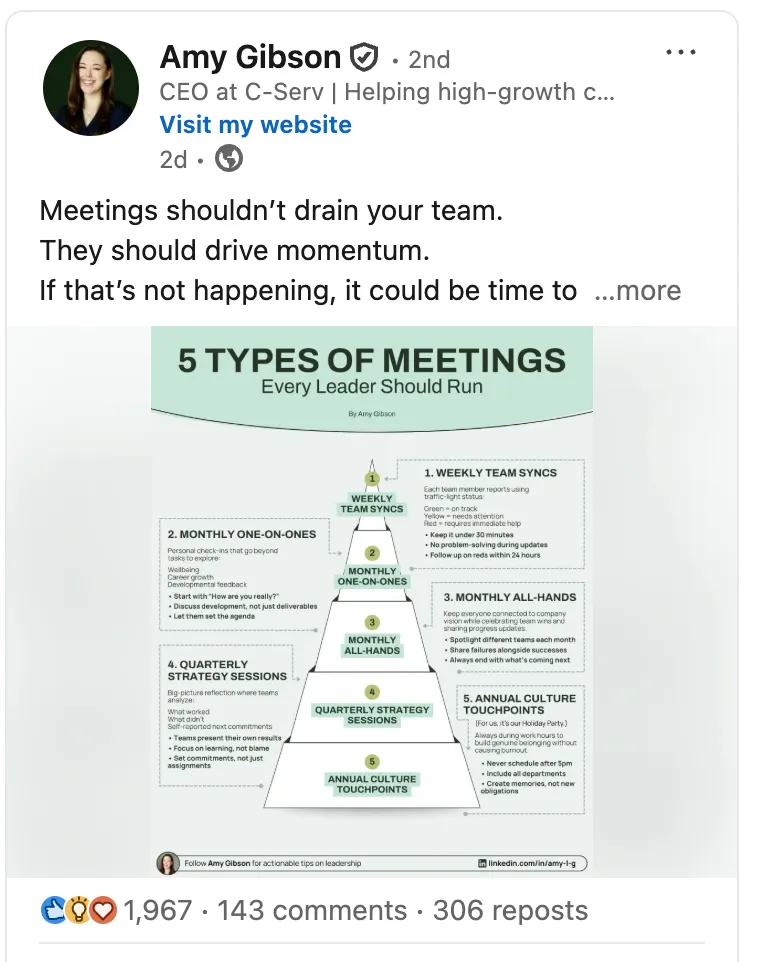
Amy uses a single visual to explain a leadership problem. Name the question, distinguish the cases, then show a real decision.
 Enlarge original ↗
Codie A. Sanchez
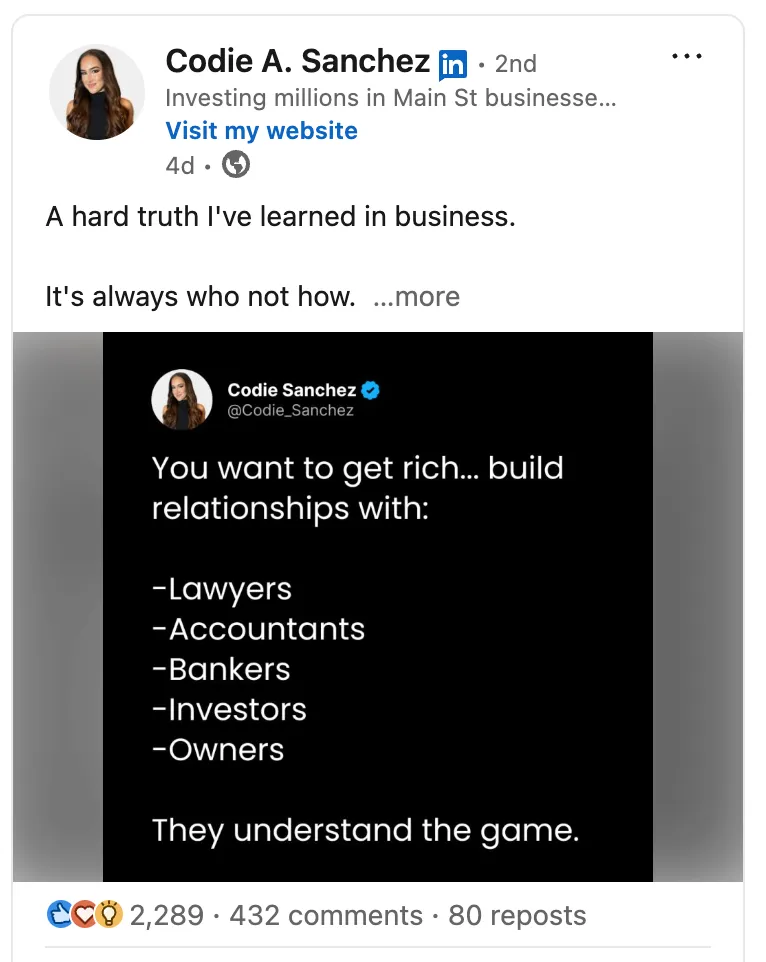
Codie takes a position on an investment decision. State your view in one line, then give the experience that shaped it.
 Enlarge original ↗
Pat Walls
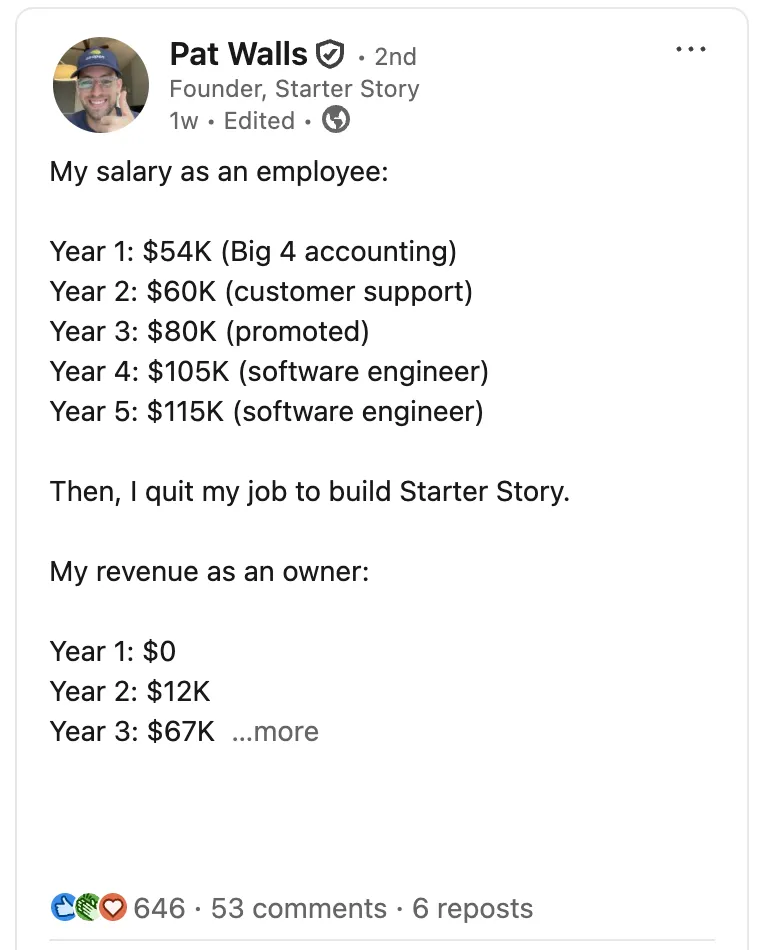
Pat compares his earnings as an employee and as a founder. Choose comparable figures and explain the decision behind the change.
 Enlarge original ↗
Nate Bagley
Nate names the open role in the first line. Show what the person will own and make the next step easy to forward.
 Enlarge original ↗
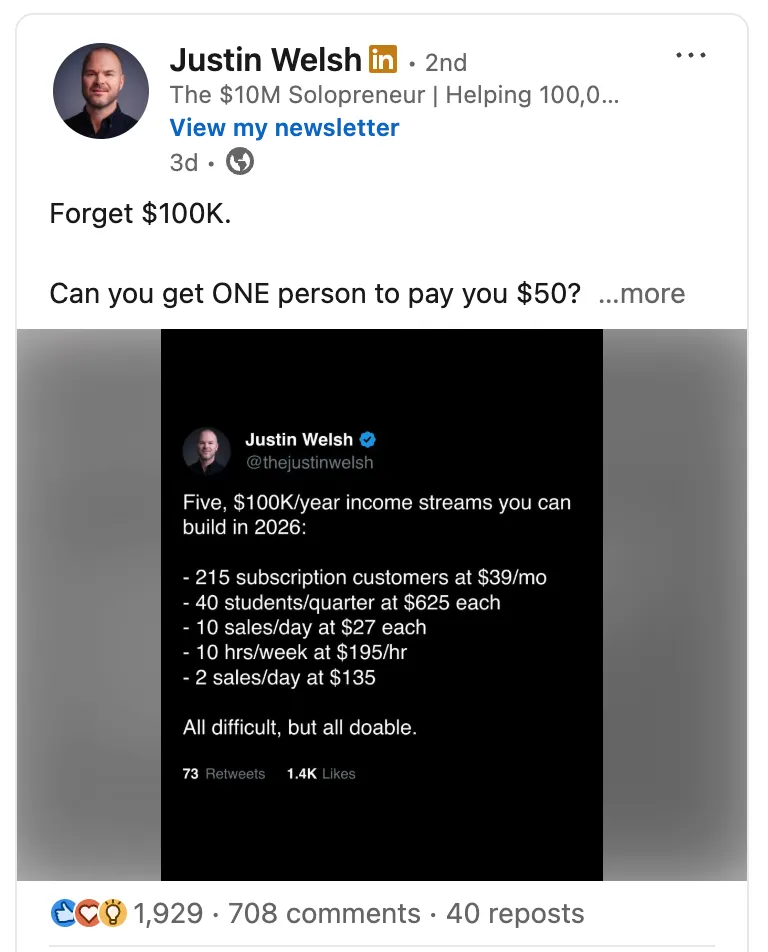
Justin Welsh
Justin starts with a familiar financial goal and revisits a personal mistake. Replace an abstract target with a decision the reader can make.
 Enlarge original ↗
Lara Acosta
Lara pairs a photo with a personal point of view. Describe the moment, then give the context someone looking at the image would miss.
 Enlarge original ↗