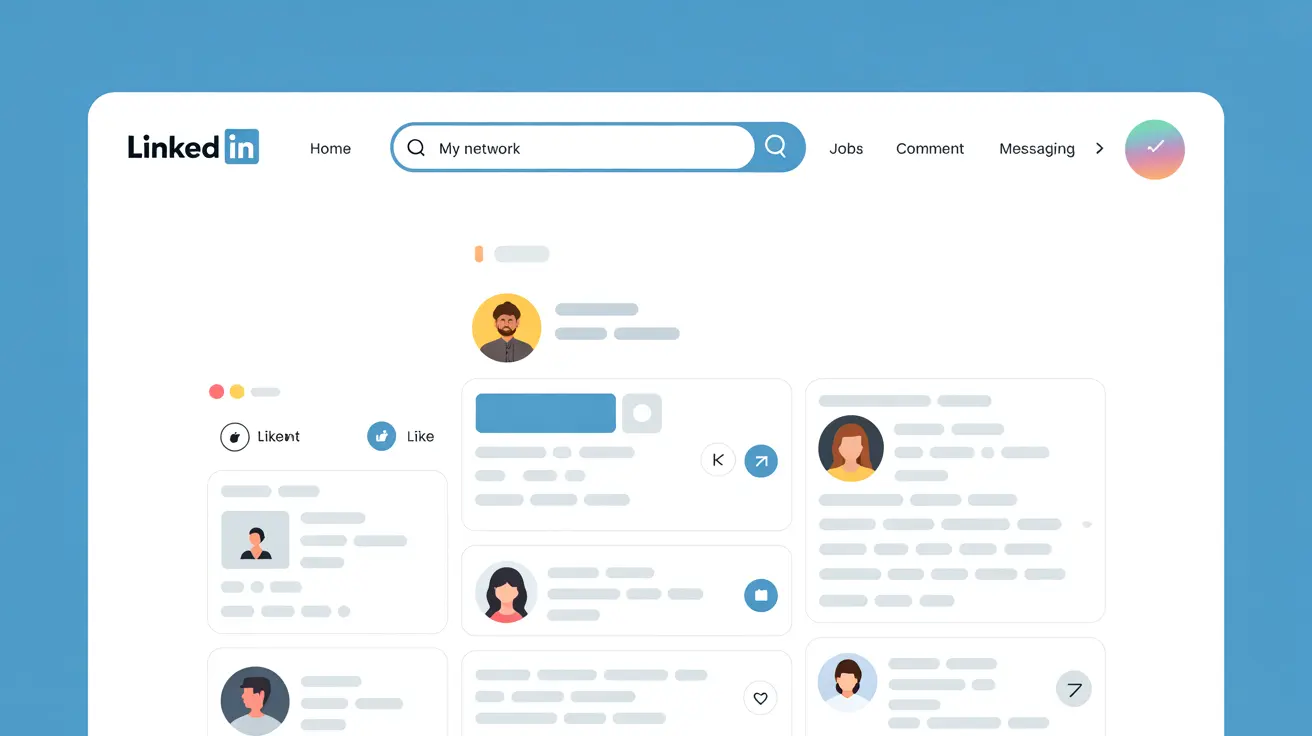
Most LinkedIn posts that flop were not bad ideas. They were cut in the wrong place on mobile, buried in one long paragraph, or ended without giving anyone a reason to comment. All of that is visible before you publish, if you look.
That is why we built the LinkedIn Post Checker: a free tool that shows your post the way the feed shows it, then lists what to fix. No signup, no browser extension, nothing to connect.
What the LinkedIn Post Checker Does
You paste your draft. The tool instantly gives you two things:
- A feed preview on mobile and desktop, cut exactly where LinkedIn adds “…see more”. On mobile that is about 3 lines or 140 characters; on desktop about 3 lines or 210 characters.
- A checklist of fixes and tips, each marked Fix, Tip or Good, so you know what matters and what is optional.
The 7 Things It Checks
1. Whether your hook survives the cut
Readers decide in the first line. If your first sentence runs past the mobile cut, the punchline lands behind “…see more” and most people never see it. The checker tells you the length of your first line and whether it fits.
2. Room around the hook
An empty line after the first sentence makes the hook stand alone above the fold. Without it, the opening blends into the next sentence.
3. Walls of text
Posts with no empty lines, or with one block over 320 characters, are hard to read on a phone. The checker flags both and suggests short paragraphs of 1 to 3 lines.
4. Length
Short posts can work, but readers spend less time on them. Posts of roughly 800 to 2,000 characters give a story room to land; past 2,200 characters, many readers drop off. Over 3,000 characters, LinkedIn will not publish the post at all.
5. Hashtags
No hashtags, or a long block of them, both cost you. The checker looks for 3 to 5 specific hashtags at the end. For a deeper look at which ones to keep, use the LinkedIn Hashtag Checker.
6. External links
A link in the body of the post sends readers off LinkedIn. The checker spots it so you can decide whether to move it to the first comment.
7. A reason to comment
Posts that end with a question or a clear invitation give readers something to answer. The checker tells you if your ending does that, and warns you if emoji start to make the post feel like an ad.
How to Use It in 3 Steps
- Paste your draft into the LinkedIn Post Checker, or click “Try an example” to see how it works.
- Switch between Mobile and Desktop to see where each version cuts your post.
- Work through the Fix items first, then the Tips. When the list says “Ready to post”, copy your text back into LinkedIn.
A Quick Pre-Publish Routine
The checker covers structure. Pair it with the other free tools for the rest of the routine:
- Not sure about your opening? Compare two or three versions in the LinkedIn Hook Tester.
- Want to bold a key phrase? Use the LinkedIn Text Formatter, lightly.
- Pick a slot you can stay online for with the Best Time to Post tool.
For more on why good posts stall, read why your LinkedIn posts get no reach.
Try It, Then Give the Post a Strong First Hour
The LinkedIn Post Checker is free and needs no signup. Run every post through it before you hit Post.
The first hour after you publish decides how far a post travels. Podawaa gets your post early reactions from real people in your field, so the algorithm sees interest while it still matters. The free plan boosts up to 5 posts a month, no card required. Start free.
Frequently Asked Questions
Is the LinkedIn Post Checker free?
Yes. It is free, needs no signup and runs in your browser. Your text is not sent to LinkedIn.
Where does LinkedIn cut a post with “see more”?
On mobile, LinkedIn shows about 3 lines or 140 characters before “…see more”. On desktop it shows about 3 lines or 210 characters. The checker previews both.
What is the character limit for a LinkedIn post?
A LinkedIn post can have up to 3,000 characters. The checker counts them and warns you before you go over.
Does the checker guarantee more reach?
No tool can promise reach. The checker removes the structural problems that make readers scroll past, so your idea gets a fair chance.